The AI proposal writer for freelancers
Write it in a minute.Watch it get accepted.
Describe the job the way you'd text a friend. Draftly turns it into a structured, on-brand proposal, sent as a tracked link, so you're never left wondering if they even opened it.
- 3 proposals free, no card
- Your client needs no account
- Paid plans from $9/month
Sound familiar?
It's 11pm and you're still formatting a proposal.
The call went well. They said “send over a proposal.” So you open last month's document, delete the old client's name, fight a table that keeps breaking, and export proposal_final_v3.pdf.
Then nothing. Did they open it? Did the price scare them? You have no idea, so you write the follow-up you always write.
The proposal isn't the hard part. Everything after you hit send is.
How it works
Four steps. The last one is a yes.
01
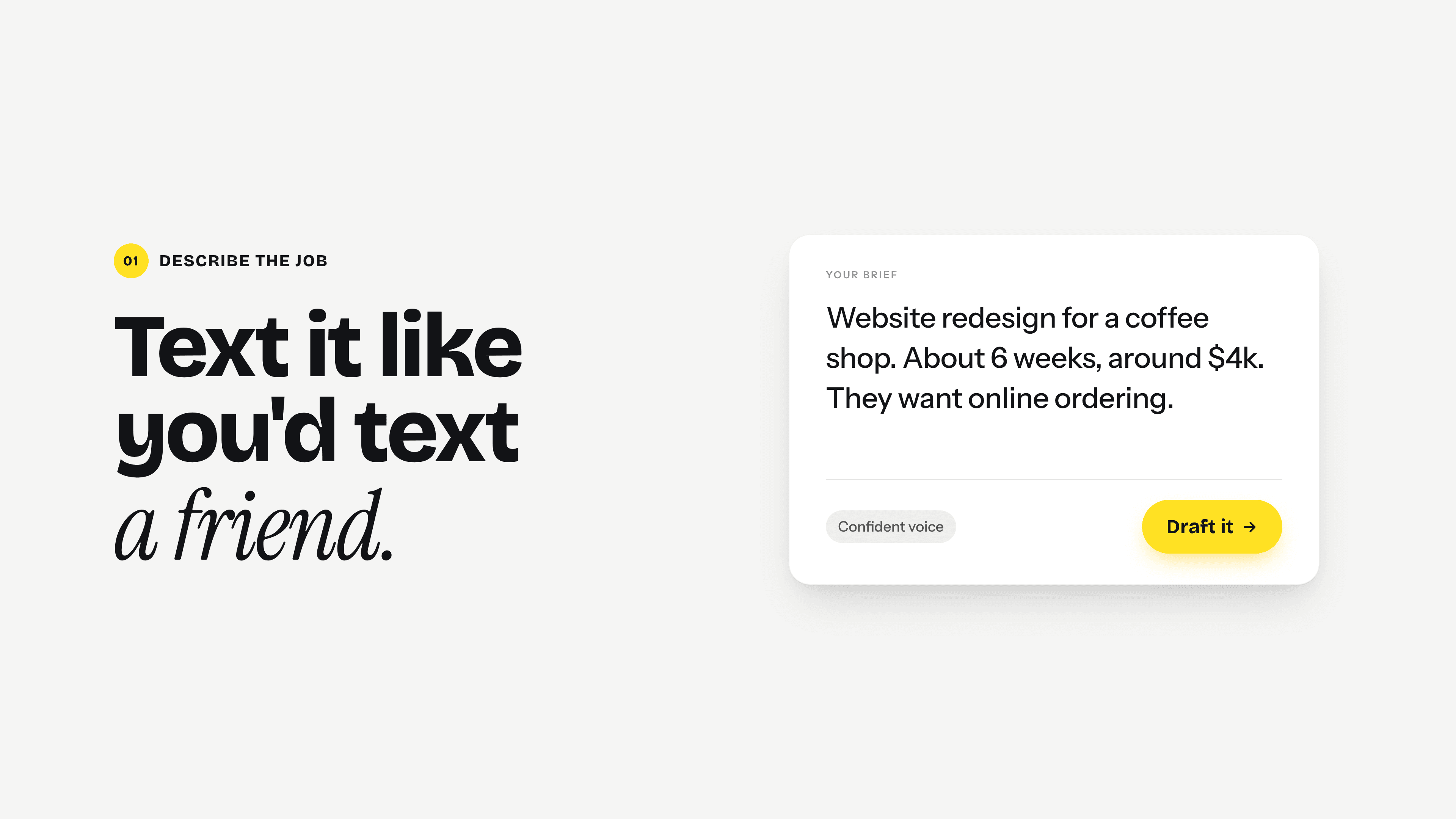
Describe the job
Paste your notes, a client email, or a few rough lines about scope, timeline and budget.
02
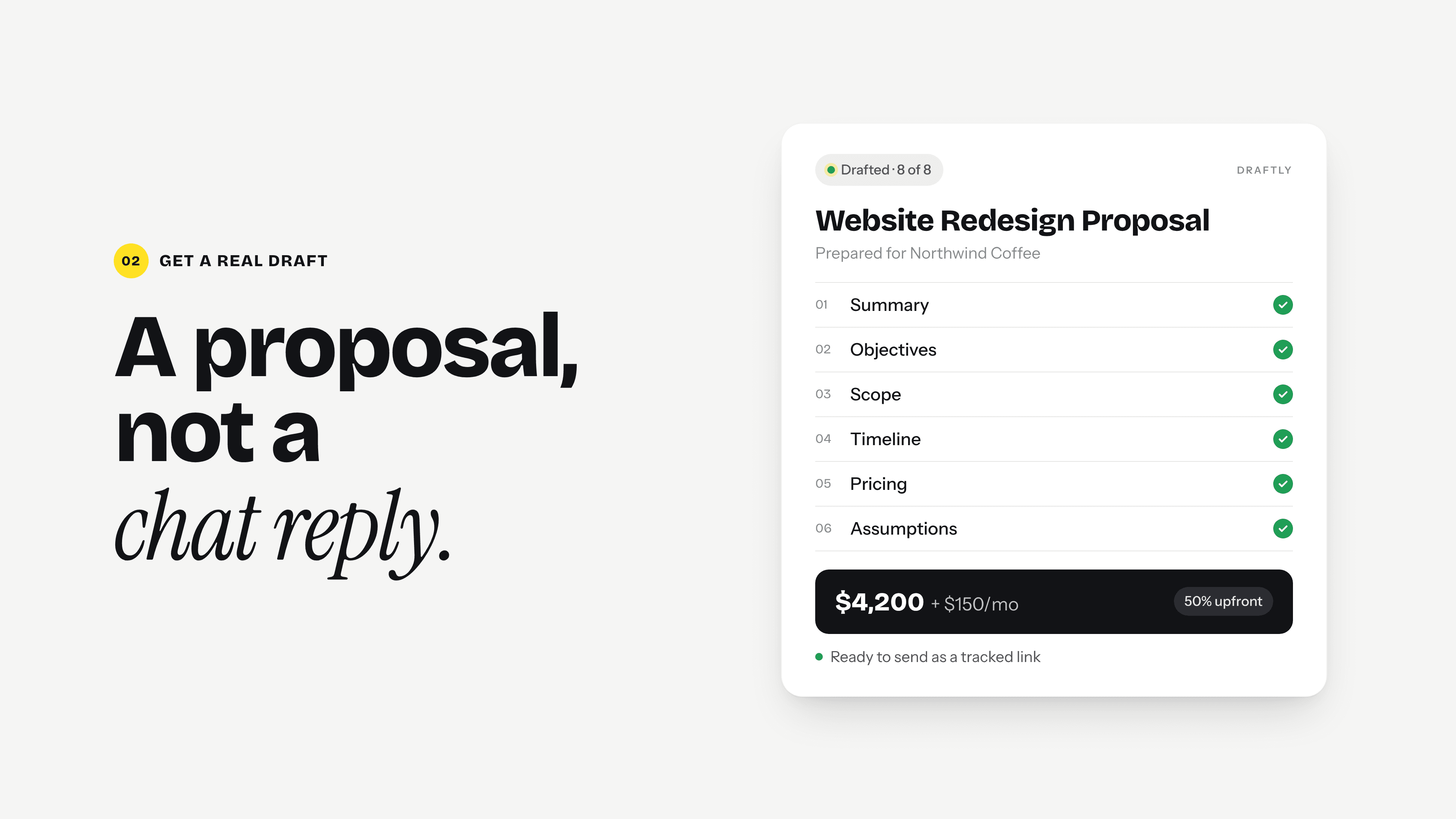
Get a real draft, make it yours
Scope, timeline and pricing in clear language. Edit any line, move a milestone, change the price.
03
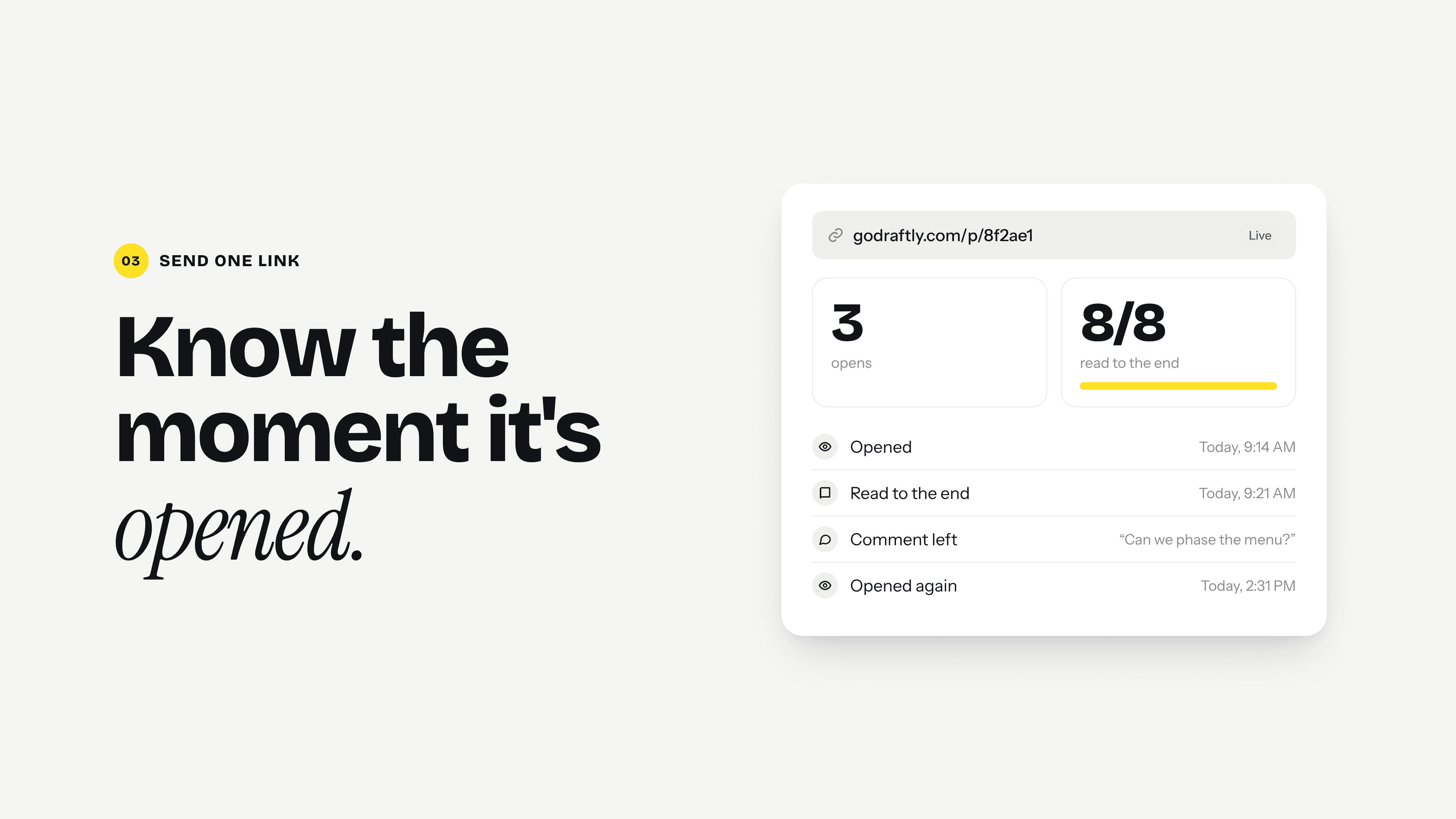
Send one link
See when it's opened and how far they read, and answer questions in the document.
04
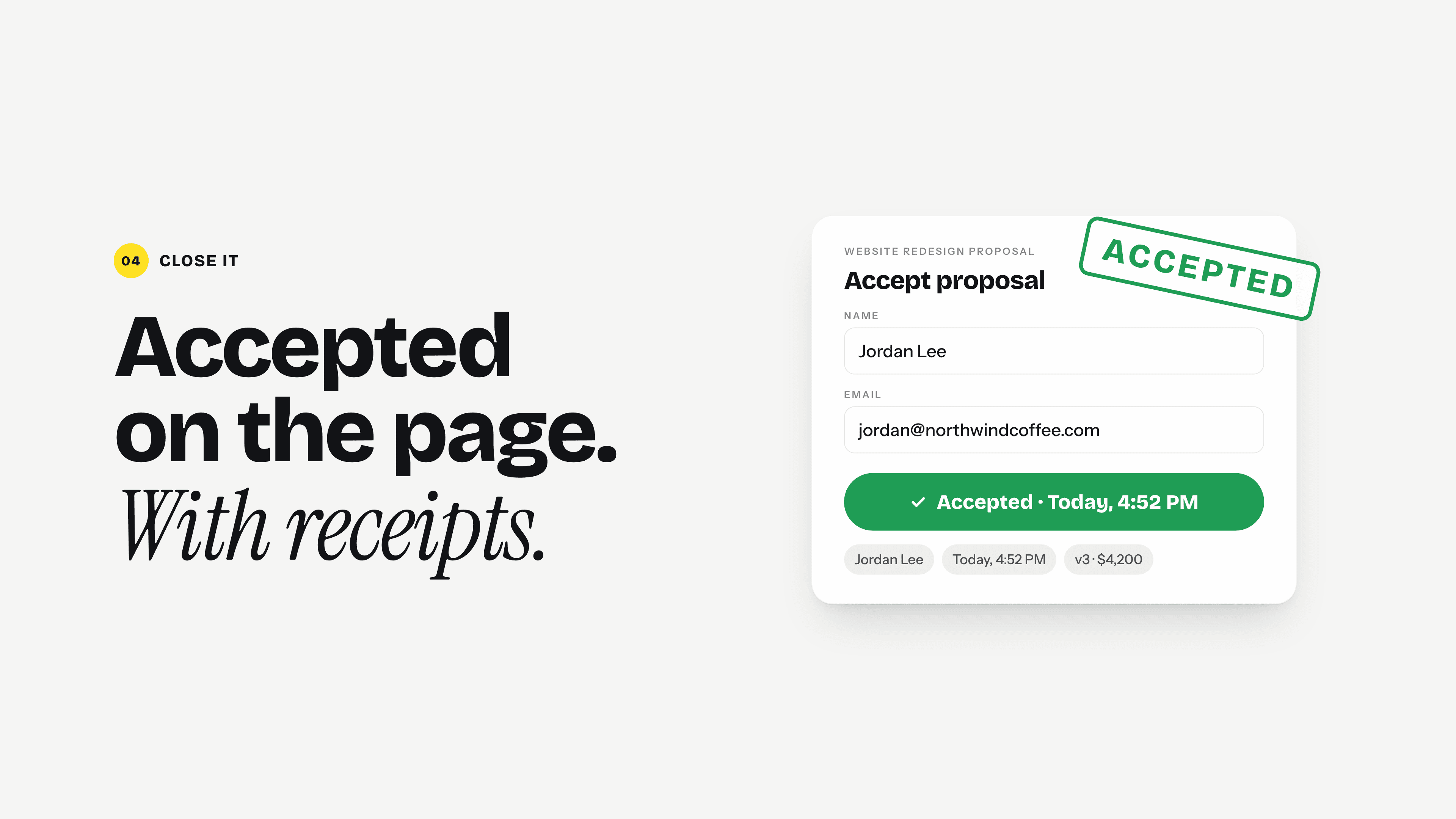
Get it accepted
Your client accepts on the page, with a record of who accepted it and when.
It chases, so you don't have to.
Sent
You know the moment it's opened.
An email alert when your client opens it, comments or replies.
Opened, then quiet
It lands on your chase list.
Proposals going cold are flagged, or snoozed until you're ready.
Ready to chase
The follow-up is already written.
From what they read and asked, not a template. You hit send.
Try it here
It sounds like you, not like a robot.
Your brief
Pick a voice
Website Redesign Proposal
Prepared for Northwind Coffee
Summary
You need a site that converts, not one that merely looks current. This proposal covers the rebuild, the migration, and the eight weeks it takes to get there.
Confident voice: You need a site that converts, not one that merely looks current. This proposal covers the rebuild, the migration, and the eight weeks it takes to get there.
Play with it
Your brand. Every proposal.
Theme
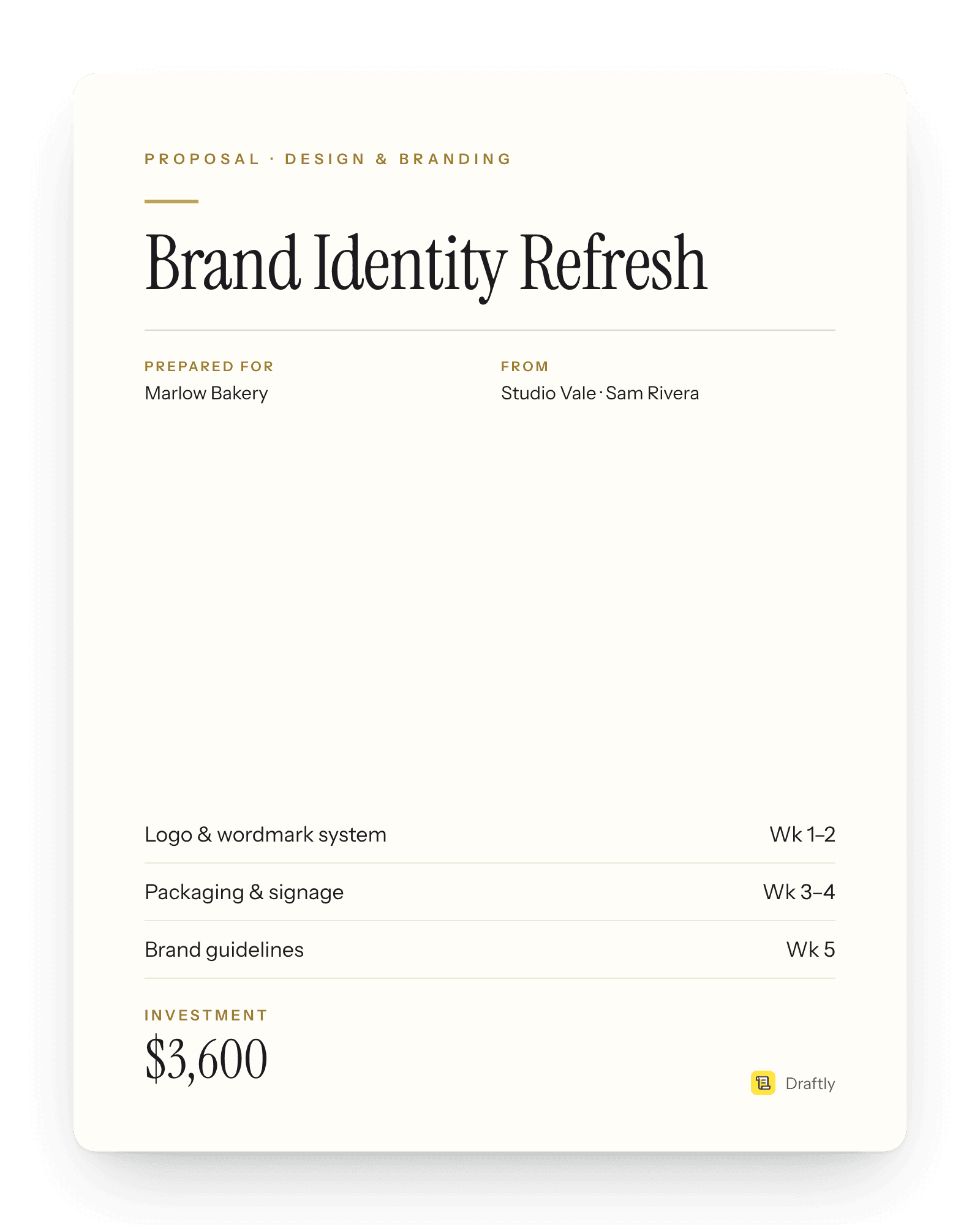
The house style — tracked labels, hairline rules, gold marks.
Your colourPro
Your logo goes on top, and the Draftly mark comes off.
Prepared for
From
Studio Vale
Sam Rivera
Executive summary
A faster, clearer site that turns visitors into online orders, rebuilt over six weeks with a phased launch so the shop never goes dark.
Objectives
- Launch online ordering for pickup
- Cut mobile load time to under two seconds
- Make the menu editable without a developer
Scope of work
Homepage and brand refresh
New layout, photography direction and type system.
Online ordering
Menu, cart and pickup times, connected to the till.
Why Draftly
A real document. Not a chat reply.
A blank document
- Two hours, every timeThe same structure, rebuilt from memory.
- Terms retyped by handRates, payment terms, the fine print.
- Emailed as a PDFThen you wait, and wonder.
A chat window
- A wall of textNot a document a client can sign off on.
- Formatting is still yoursCopy, paste, fix every heading.
- Gone once it's sentNo way to know if it was opened.
Proposal suites
- Built for sales teamsSeats, workflows and approval chains.
- Setup before your first sendContent libraries and onboarding.
- Priced to matchMore than one freelancer needs.
Draftly
- A draft in a minuteFrom a few lines about the job.
- Your terms, added for youSaved once, in every proposal.
- One tracked linkOpens and read depth on your dashboard.
- Accepted on the pageWith a record of who, and when.
Who it's for
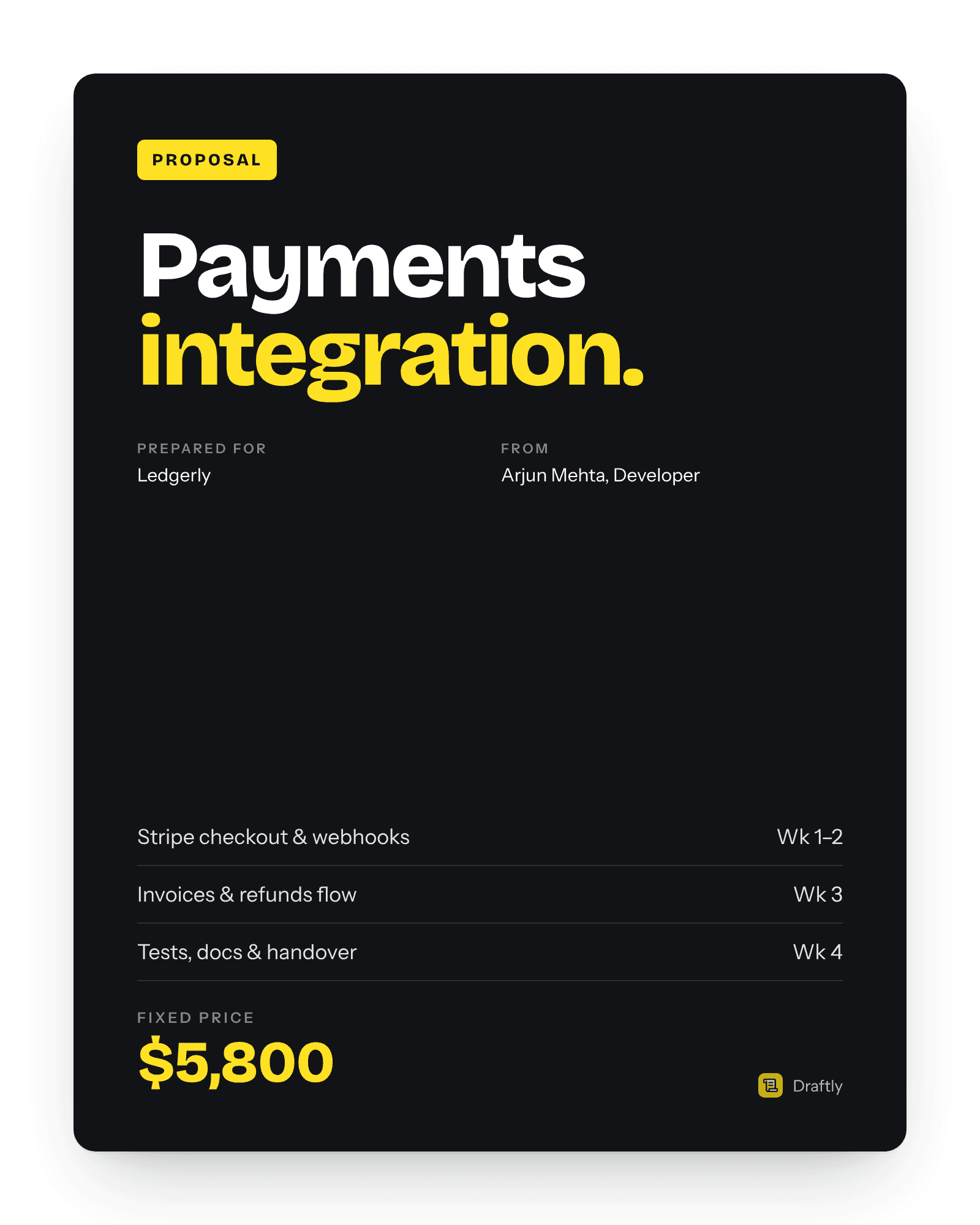
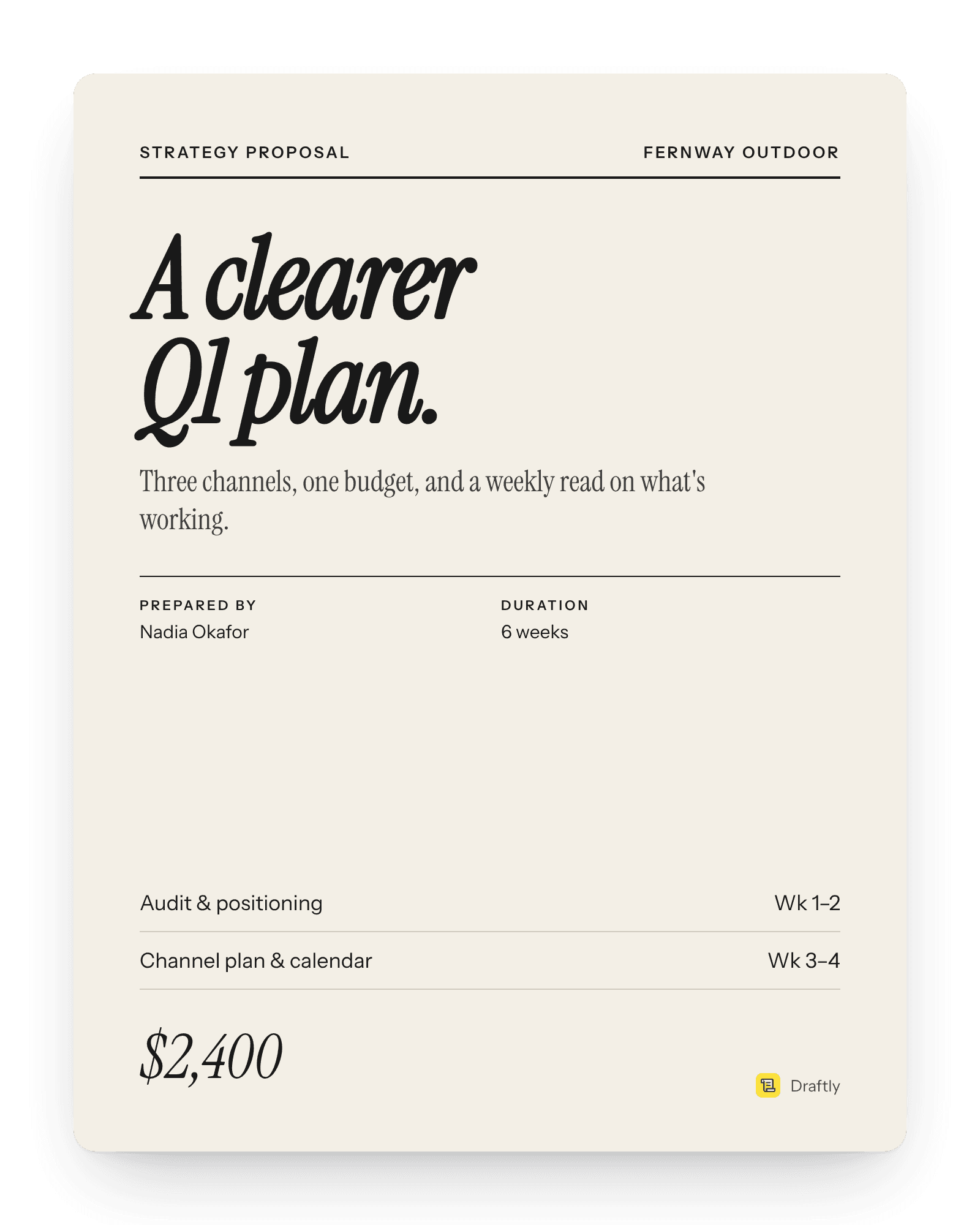
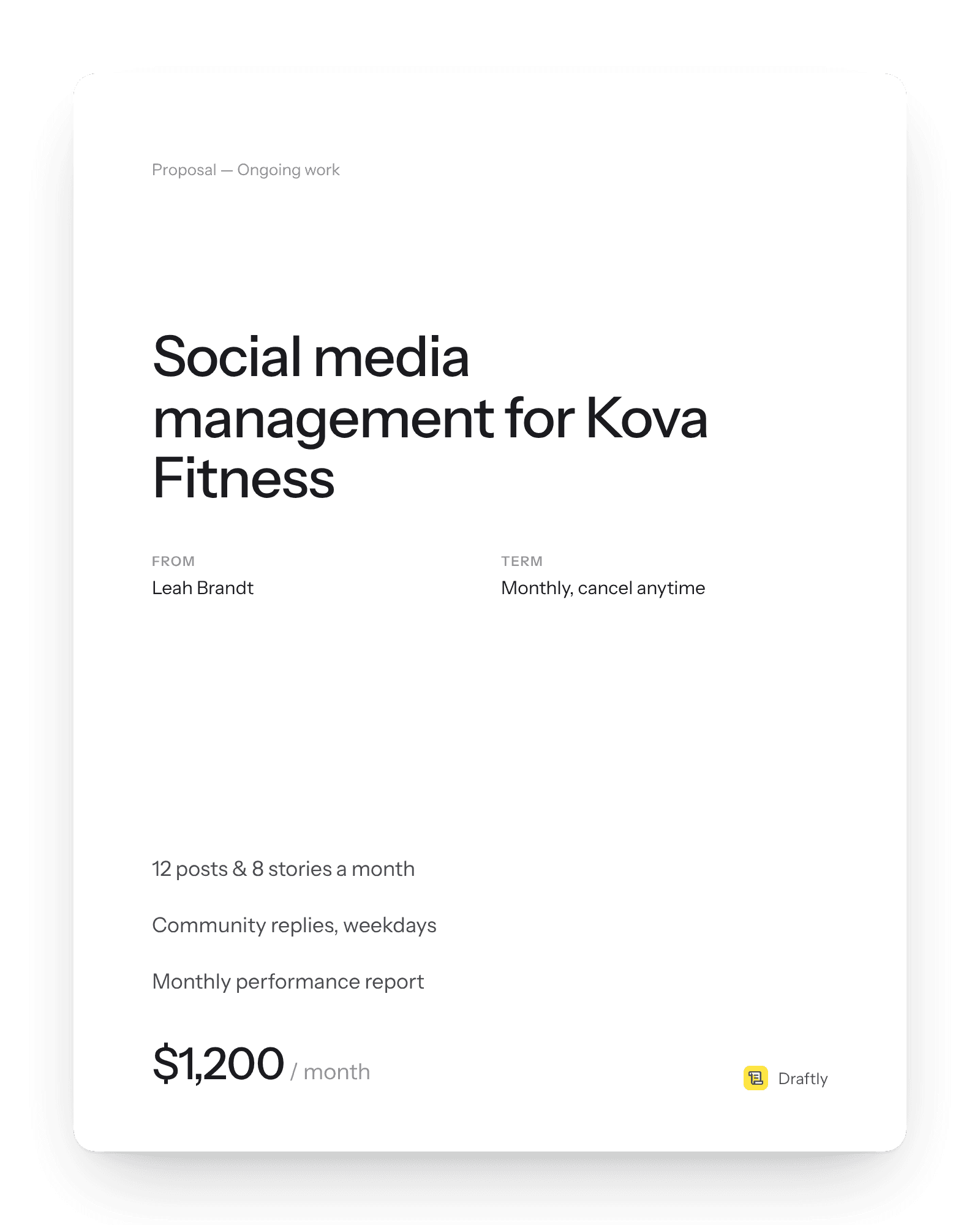
Built for people who send proposals, not procurement teams.
Pricing
Free to start. Pay when it works.
- Writing, editing and AI rewrites never count
- A credit is used only when you send a proposal
- Starter renews 15 sends every month
Pick a plan
- Unlimited proposals
- Everything in Starter
- No Draftly mark on proposals you send
- Your logo and colour on the document
Do I need an account to try it?
Yes, but it takes seconds and never asks for a card. The proposal you're working on saves to your account as you edit, so you can pick it up on another device, and every proposal you share stays on your dashboard.
Is my client's information stored?
Only what you put into a proposal. To write it, your brief is sent to Google's Gemini. The proposal you're working on is saved in your browser and to your account as you edit, and that saved draft is cleared when you share it or discard it. Shared proposals are stored until you delete them, which also kills the link.
Can I edit the proposal before sending it?
Yes — every line is editable in place. Click any sentence and rewrite it, add or remove items from any list, or ask for a single section again with an instruction like "shorter, and mention the launch date". Your edits save as you type.
Which AI model writes it?
Google's Gemini. Whatever the model, the proposal comes back against a fixed schema, so the shape of the document never depends on it.
How do I know my client read it?
Send a tracked link instead of an attachment. Your dashboard shows whether it has been opened and how many times, and your own previews are never counted. Delete the proposal and the link stops working immediately.
Can I revise a proposal after I've sent it?
Yes — edit any section, or ask for a full rewrite from one instruction, and your client sees the update at the same link. There's no new link to send and nothing to resend.
Can my client leave feedback?
Yes. They can comment directly on the proposal without an account, and you can reply right there instead of starting an email thread.
Can I reuse a proposal for a similar job?
Open any past proposal and start a new one from it — the structure and your terms carry over, so you're only editing what's actually different this time.
What if my client says no?
They can decline right from the link, with a reason if they choose to leave one — no guessing why from silence. That's the one place the answer arrives, so you actually know what to change next time.
Can I put my own branding on it instead of Draftly's?
On a paid plan, yes — your logo and colour on the document itself, and no Draftly mark on what you send. Free sends work exactly the same way, with a small mention of Draftly at the bottom.
What happens if a client goes quiet after opening it?
You can put off a decision to chase later without losing track of it, and when you're ready, Draftly drafts the follow-up itself — written from what actually happened, not a template: how far they read, what they asked, how long it's been. You send it; nothing goes out on its own.
Your next proposal sent before lunch.
Free to start. No card, no meeting to book first.
Start writing, free3 proposals free